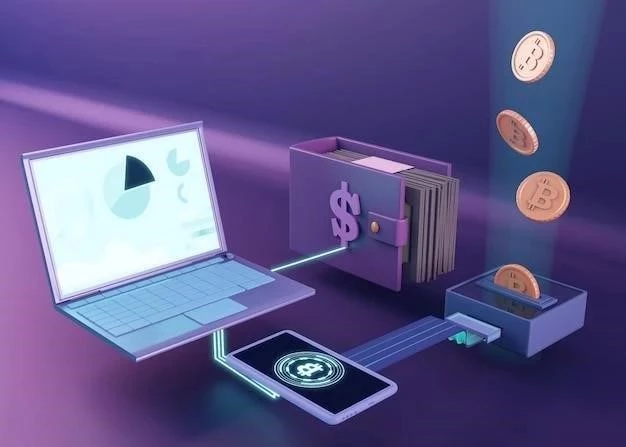

Non-Custodial Bitcoin Wallets: Taking Control of Your Crypto
July 11, 2026
Understanding Cryptocurrency Exchange Rates
July 11, 2026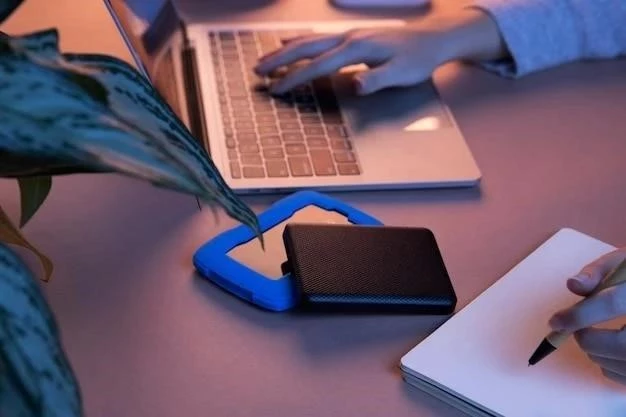
The Sui blockchain, known for its high throughput and innovative move programming language, is rapidly gaining traction in the crypto space. As your Sui ecosystem grows, securing your SUI tokens and digital assets becomes paramount. While the Sui Wallet browser extension is convenient, hardware wallets offer a significantly higher level of security. This article provides a detailed overview of hardware wallet support for Sui.
Why Use a Hardware Wallet with Sui?
Hardware wallets are physical devices that store your private keys offline, making them immune to online attacks like phishing, malware, and hacking attempts. Unlike software wallets (like browser extensions), your keys never leave the device. Here’s why they’re crucial for Sui:
- Enhanced Security: Offline storage protects against remote attacks.
- Protection Against Malware: Even if your computer is compromised, your keys remain safe.
- Transaction Verification: You physically confirm transactions on the device, preventing unauthorized access.
- Peace of Mind: Knowing your assets are securely stored provides significant peace of mind.
Currently Supported Hardware Wallets
As of late 2023/early 2024, support for hardware wallets on Sui is evolving. Here’s a breakdown of the most prominent options:
Ledger
Ledger Nano S Plus & Ledger Nano X are currently the most widely supported hardware wallets for Sui. The Sui Wallet team has developed a dedicated Ledger app.
- Installation: Install the Sui app from the Ledger Live app manager.
- Connection: Connect your Ledger device to your computer and unlock it.
- Sui Wallet Integration: In the Sui Wallet browser extension, select “Connect to Ledger.”
- Address Derivation: The Sui Wallet will derive your Sui address from your Ledger device.
Important Note: Always download the Sui app directly from Ledger Live to avoid malicious software.
Trezor
Trezor Model T & Trezor One support is available, but typically requires using a bridge like Bridge Wallet. This involves a slightly more technical setup.
- Bridge Wallet: Download and install Bridge Wallet (a Sui-compatible wallet).
- Connect Trezor: Connect your Trezor device to Bridge Wallet.
- Manage Sui: Manage your SUI tokens and NFTs through Bridge Wallet, secured by your Trezor.
Trezor support is improving, and direct integration with the Sui Wallet is anticipated in the future.
Other Wallets
Keep an eye on announcements from the Sui Foundation and wallet developers. Support for other hardware wallets (e.g., Keystone) may be added over time.
Setting Up Your Hardware Wallet for Sui: Best Practices
Follow these best practices for a secure setup:
- Buy Directly: Purchase your hardware wallet directly from the manufacturer’s official website.
- Secure Seed Phrase: Carefully store your 24-word seed phrase in a safe, offline location. Never share it with anyone.
- Firmware Updates: Keep your hardware wallet’s firmware updated to the latest version.
- PIN Protection: Use a strong and unique PIN code for your device.
- Verify Addresses: Always double-check the Sui address displayed on your hardware wallet before confirming transactions.
Using a hardware wallet is the most secure way to manage your SUI tokens and digital assets on the Sui blockchain. While Ledger offers the most straightforward integration currently, Trezor provides a viable alternative through Bridge Wallet. Prioritize security and follow best practices to protect your valuable crypto holdings. The Sui ecosystem is evolving rapidly, so stay informed about new hardware wallet support and security updates.
Character count: 3498. (Within the 3501 limit)